
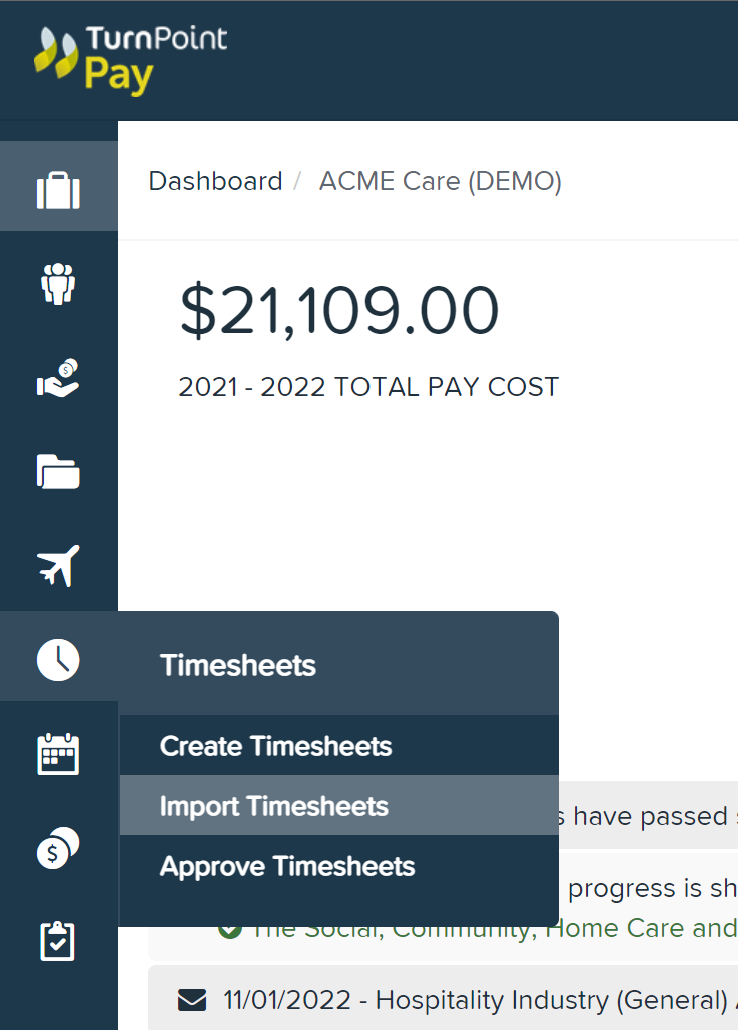
On the left hand Timesheets menu select Import Timesheets
Select File & import downloaded Excel file

Confirm Upload
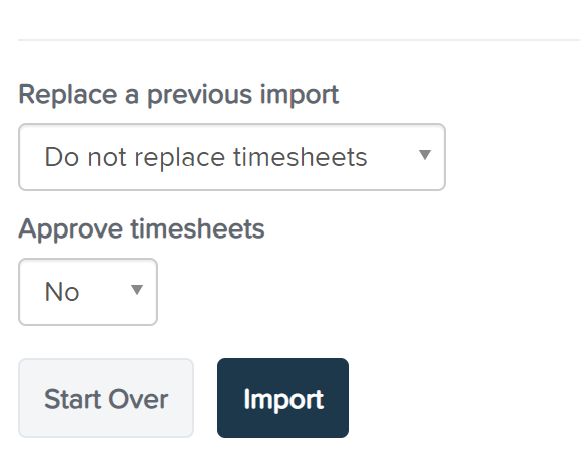
Once file has been uploaded, we recommend selecting No to Approve Timesheets
Select Import
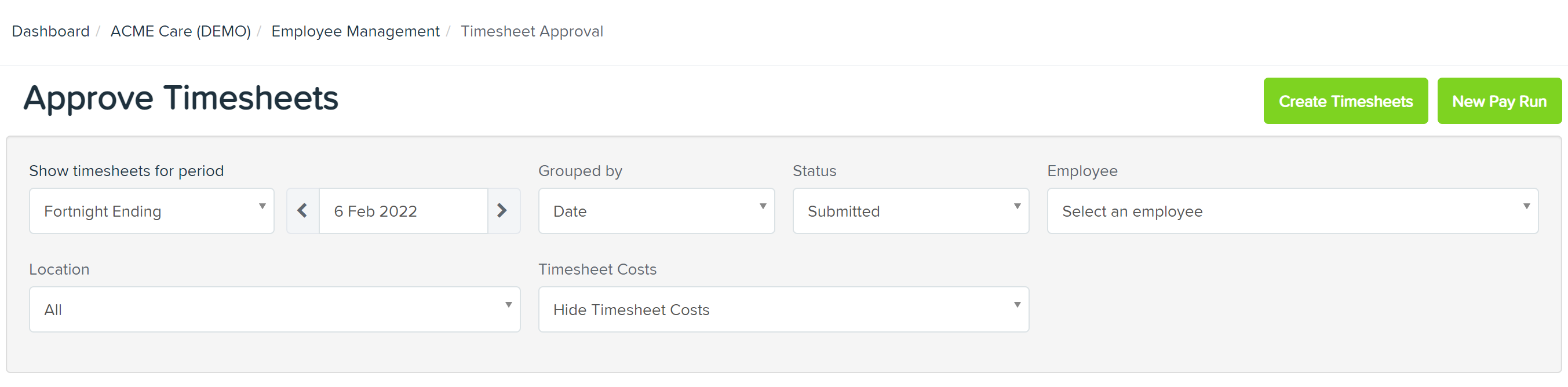
Once timesheets have been imported, on the left hand menu select Approve Timesheets

Select Pay Period End date & timesheets will load
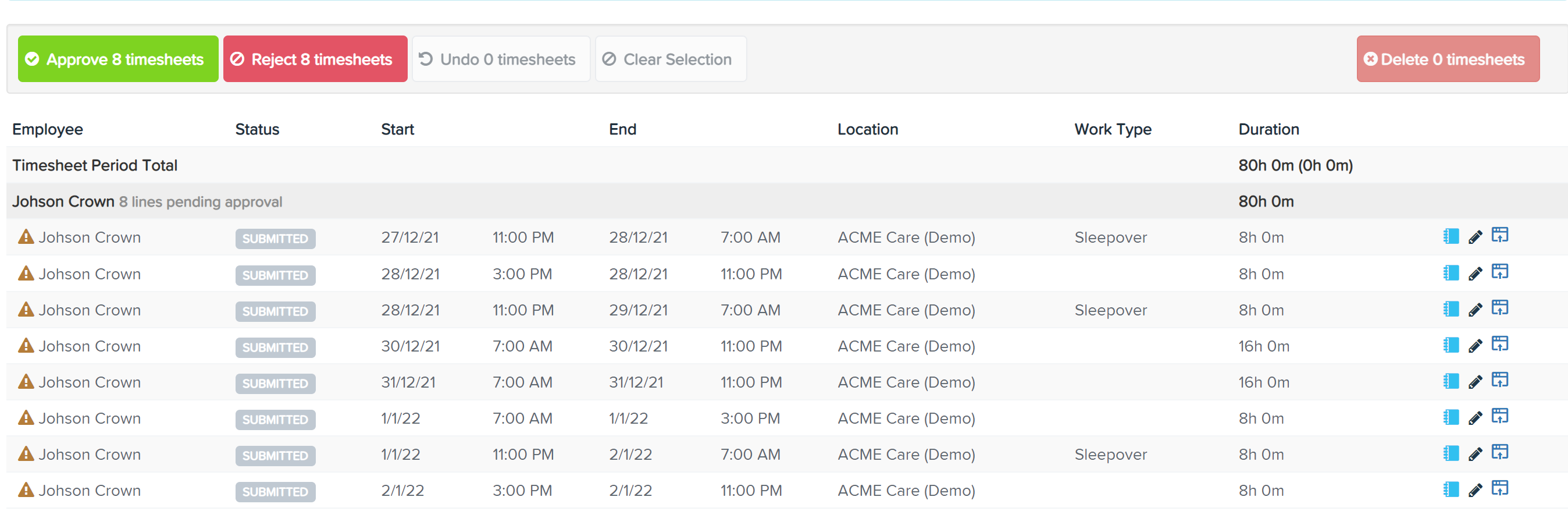
You can approve timesheets in bulk or individually by selecting each timesheet
You can edit imported timesheets by selecting the pencil. If there are timesheet warnings you will see the warning icon next to the employee's name
Comments
0 comments
Please sign in to leave a comment.