
Manually Adding a New Employee
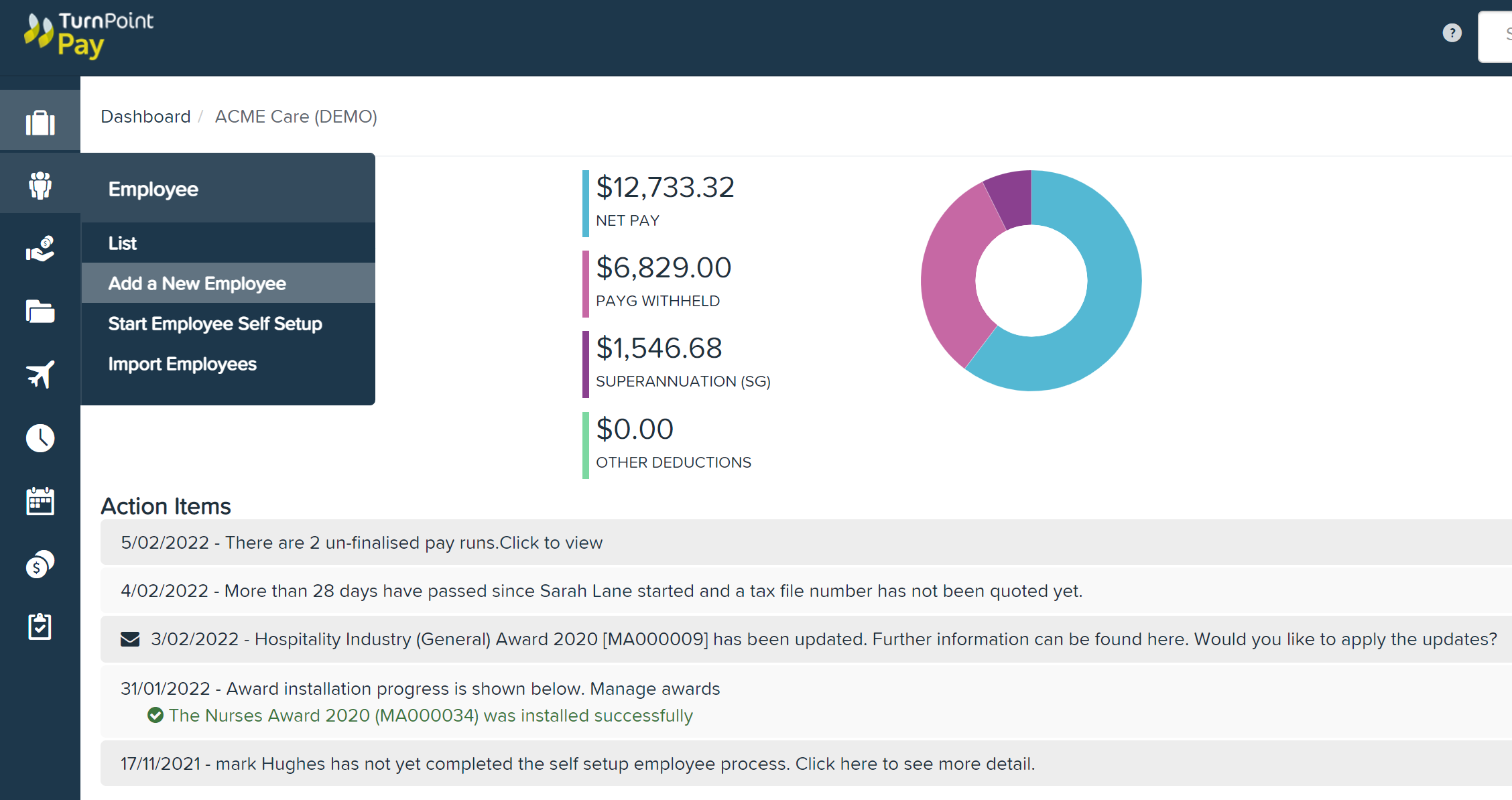
Select Add a New Employee from left hand menu
Complete employee's personal details & select Next

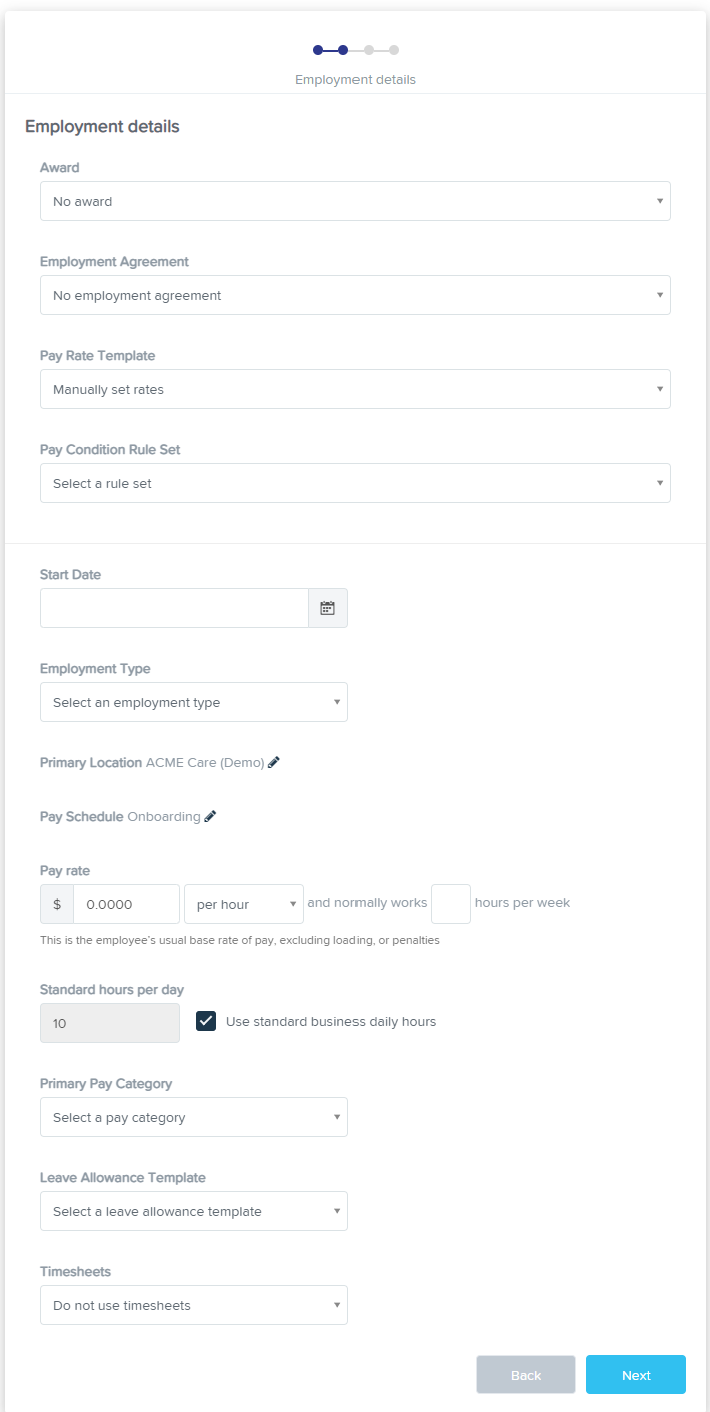
Complete their employment details
Ensure Timesheets is set to Use Timesheets for employees whose hours will need to pull from TurnPoint Assist
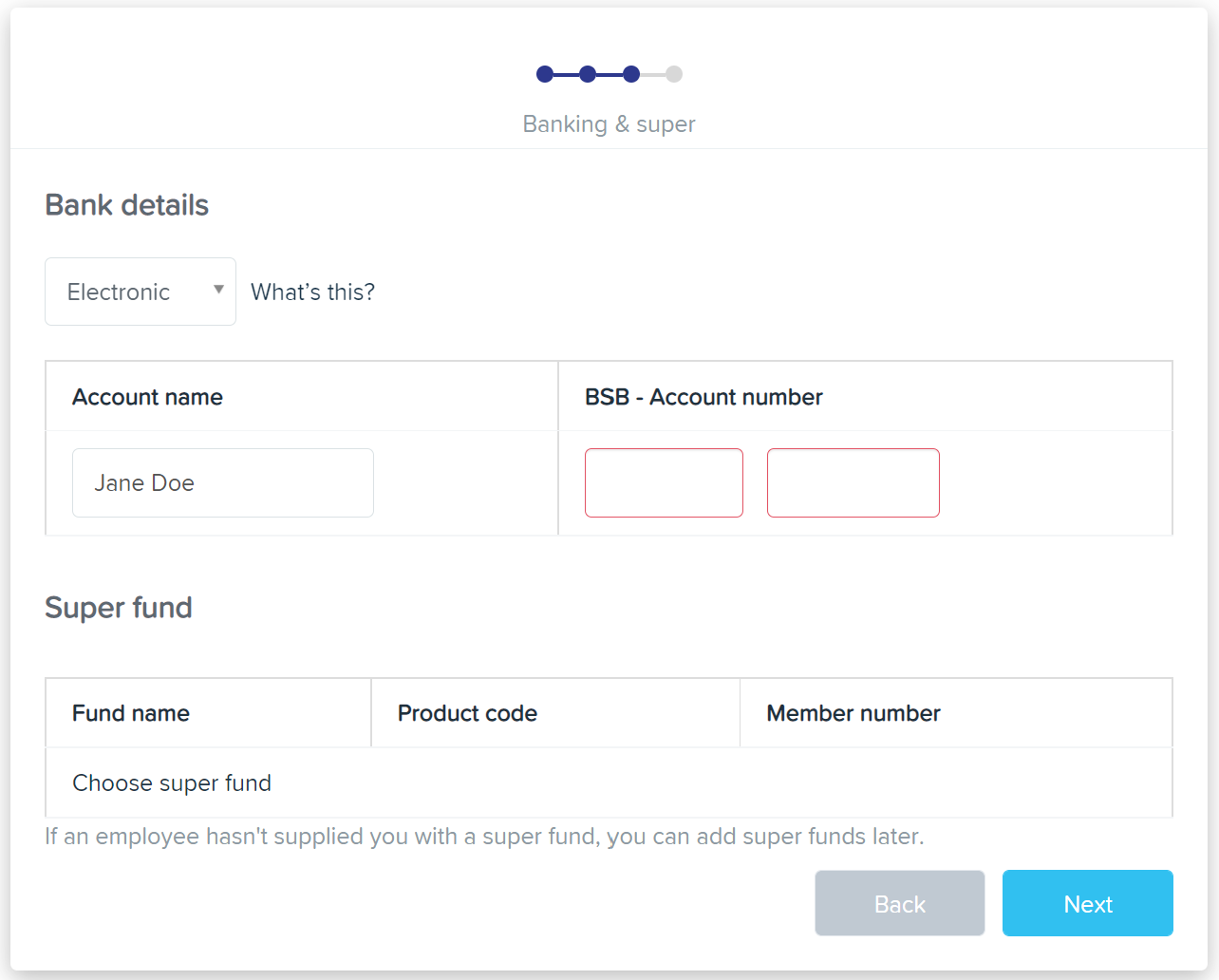
Enter Employee's Bank & Super Details
If Employee has more than 1 bank account this can be entered once employee's profile is created
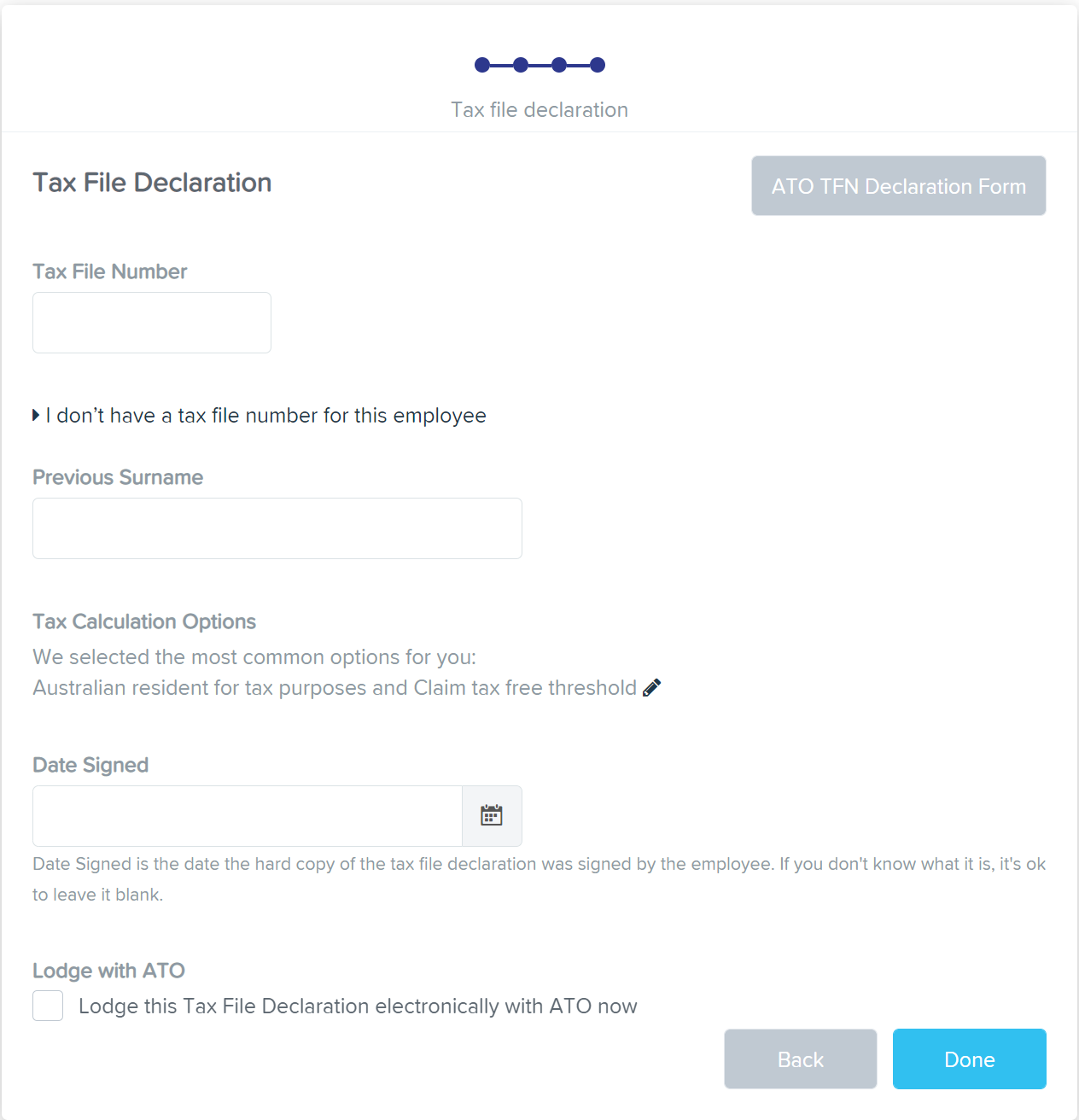
Complete employee's TFN details
Select Done
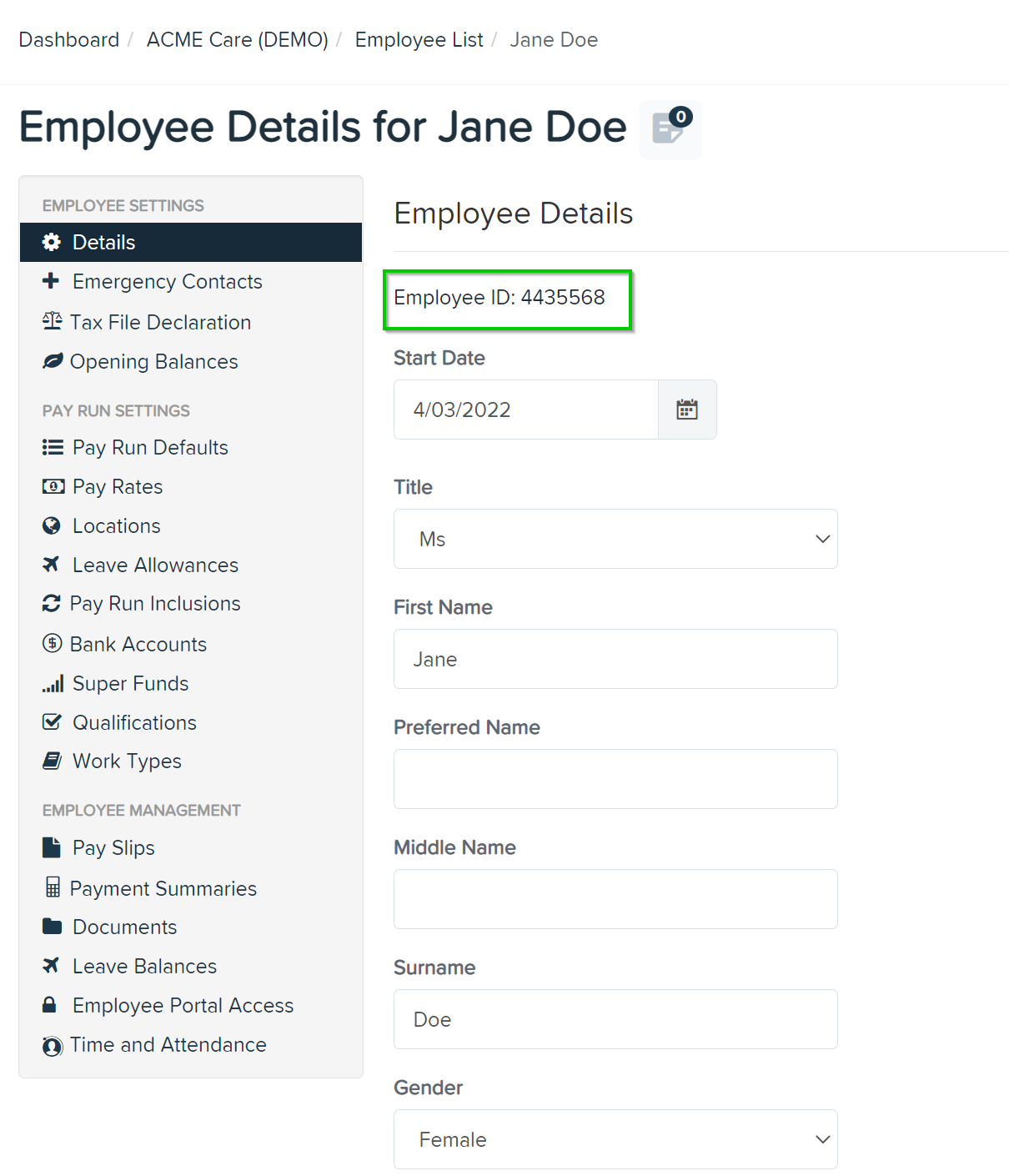
Once the employee profile is created you will need to enter the Employee ID on their TurnPoint Assist profile as the Accounting System Reference
Employee Self Setup
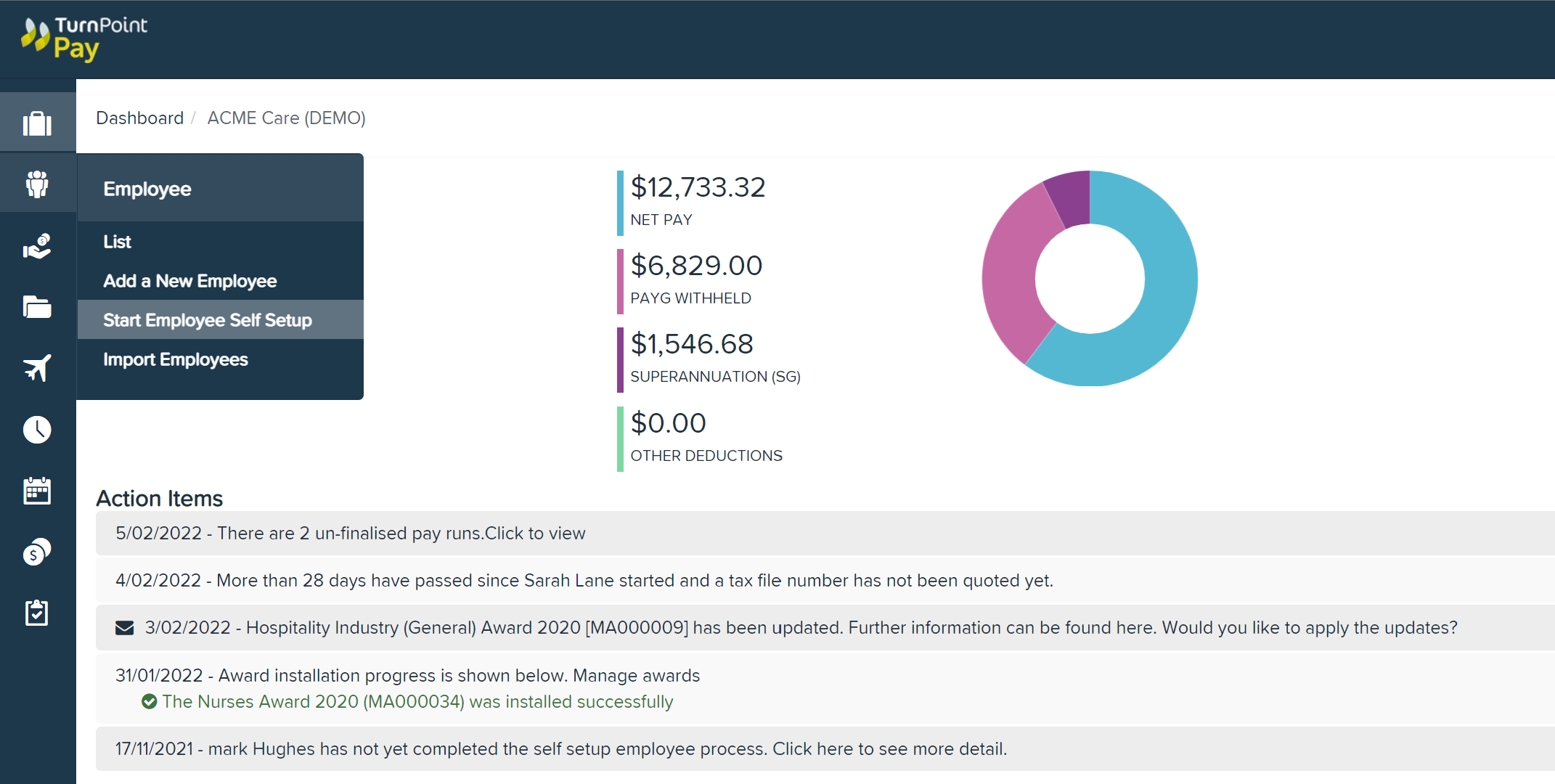
Select Employee Self Setup in left hand menu
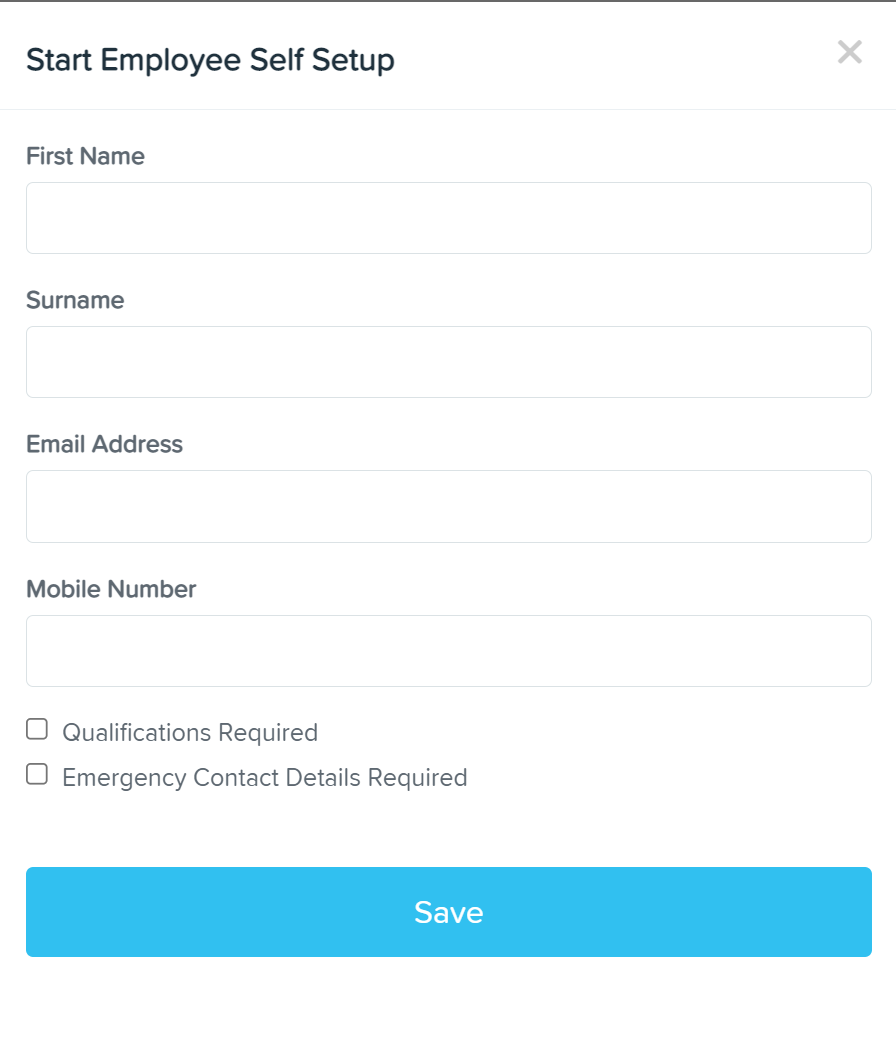
Complete the Employee's basic details & whether they are required to complete Qualification & Emergency Details
Once the employee has completed their personal details you will still need to add their Employee ID in their TurnPoint Assist profile.
Comments
0 comments
Please sign in to leave a comment.