
Within TurnPoint there is the ability to allocate Care Workers to specific teams to assist with scheduling, running payroll and generating reports.
Within a Care Workers profile you can select which team the user belongs to.
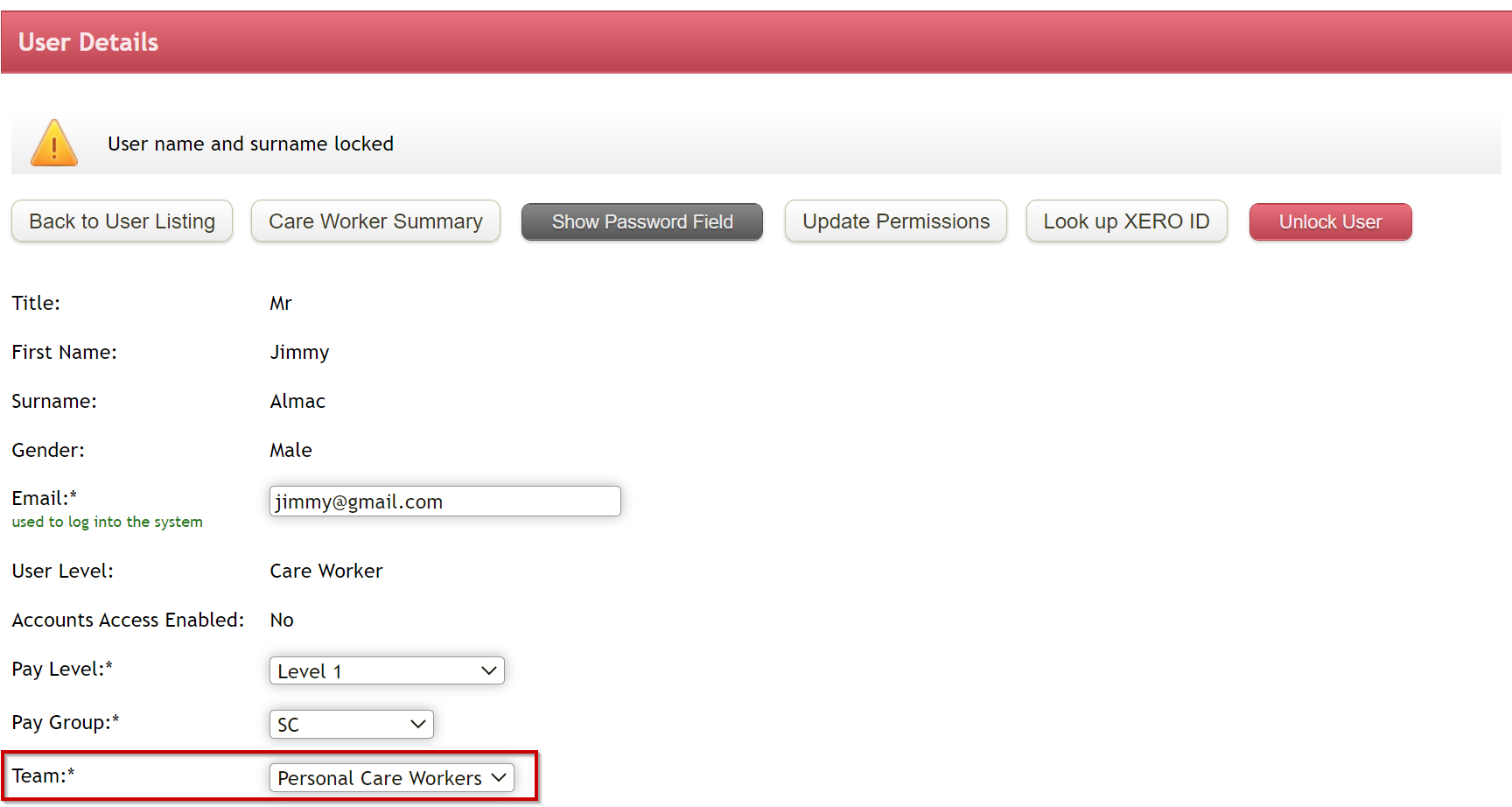
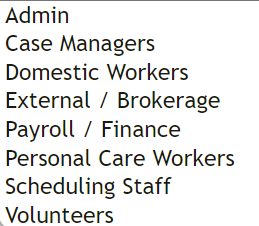
The default Team options are:
Filtering by Team in the Weekly Planner
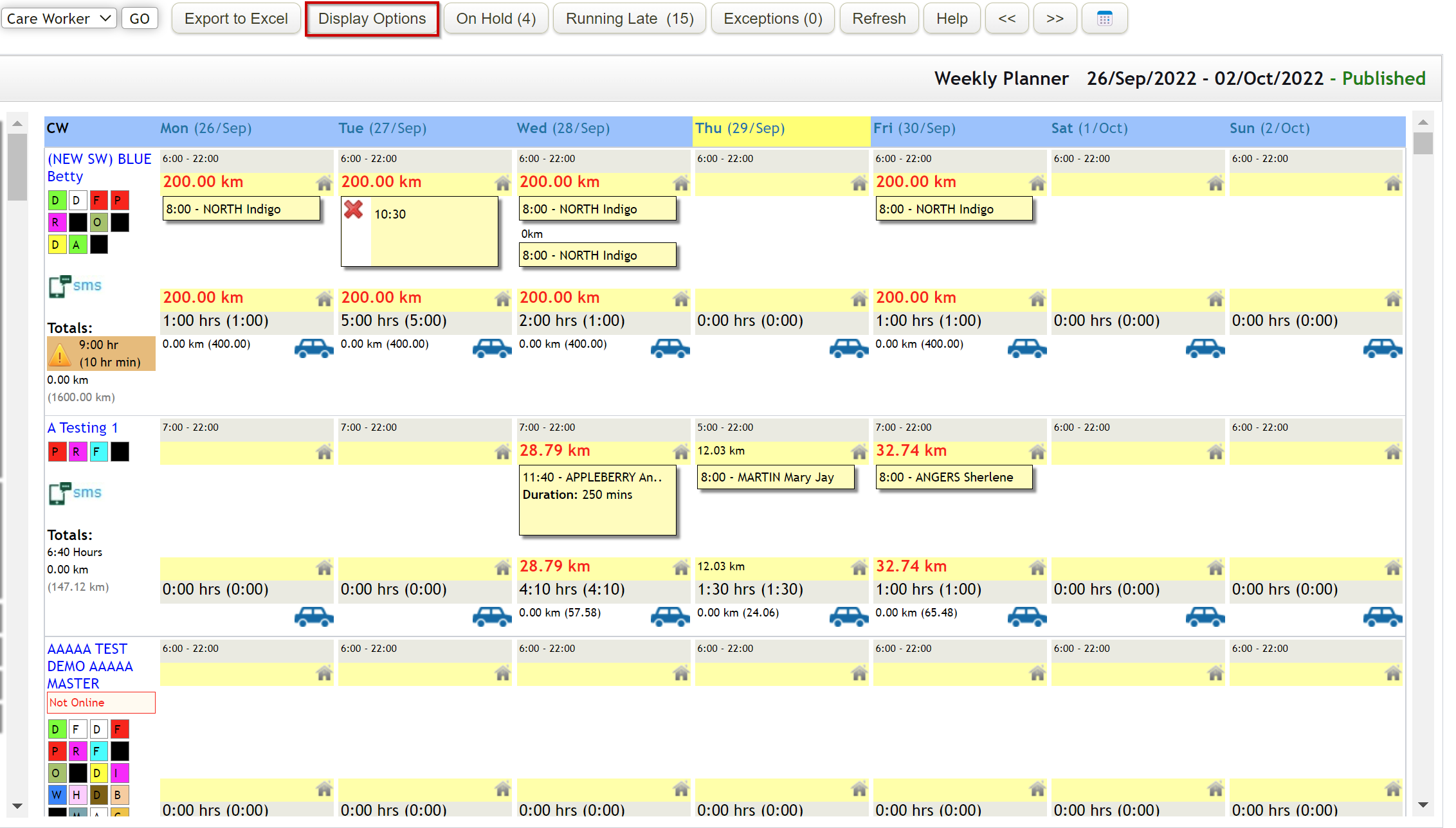
Within the weekly planner you have the ability to filter to a specific group of Team Members.
Select Display Options
Restrict View: Teams
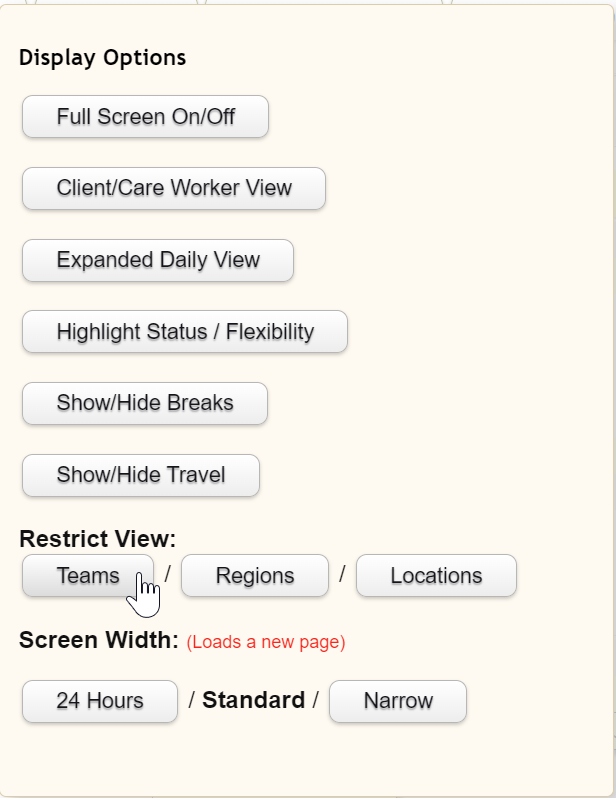
Select which Teams you wish to filter to then select Update Teams
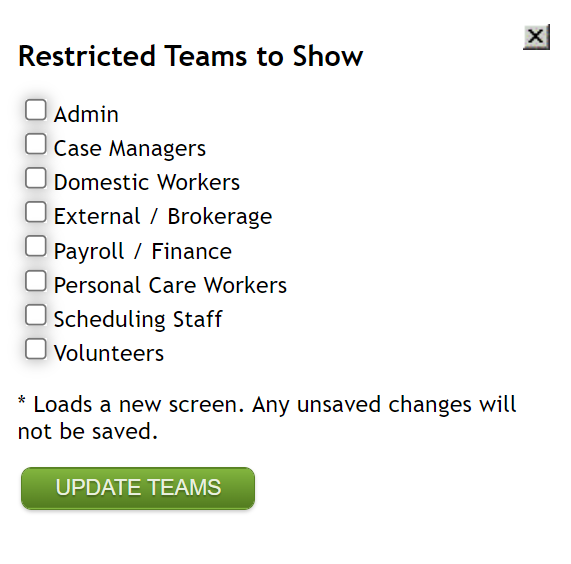
This will then reduce the number of Care Workers shown within the Weekly Planner
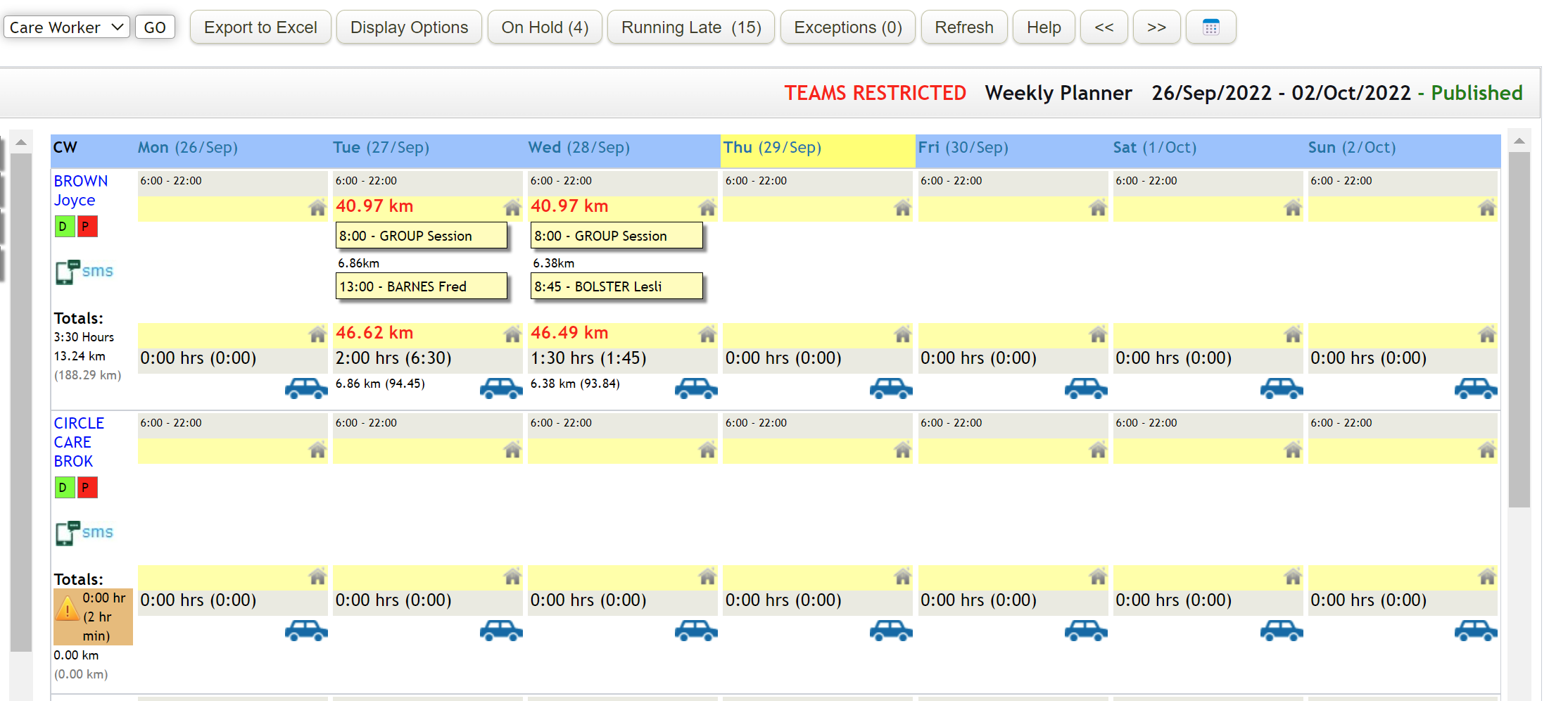
To clear the restricted view, select on Display Options and clear the team selection.
Filtering by Team within Payroll Export
Within the payroll export you can reduce the number of Care Workers included within the export or checking process by selecting Team/s
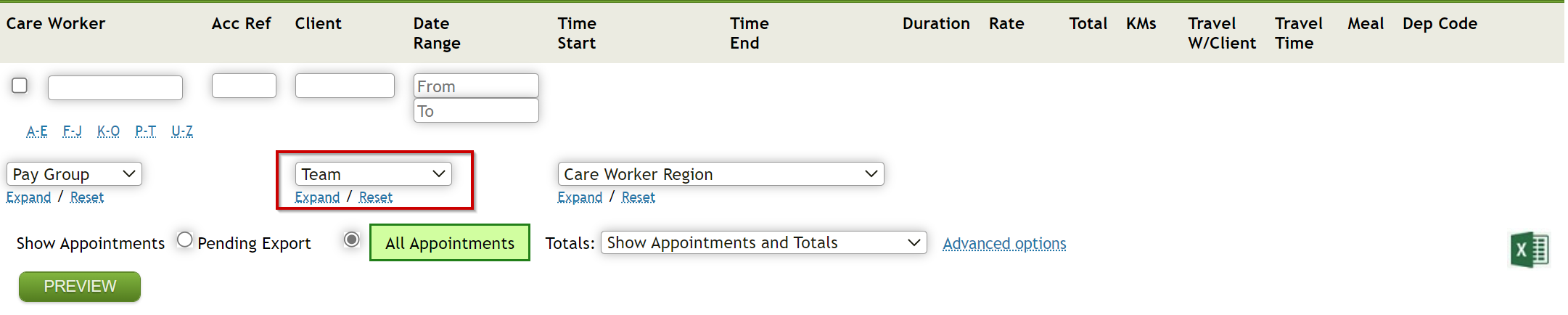
Ensure you have selected the date range for the payroll period and select Preview
Comments
0 comments
Please sign in to leave a comment.