
Mobile – Leave Requests
Mobile care staff can submit leave requests via the mobile interface.
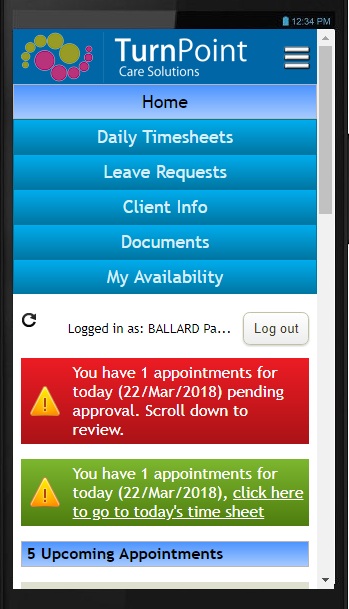
Select Leave Requests from the main menu. Existing leave requests can be seen in the list.
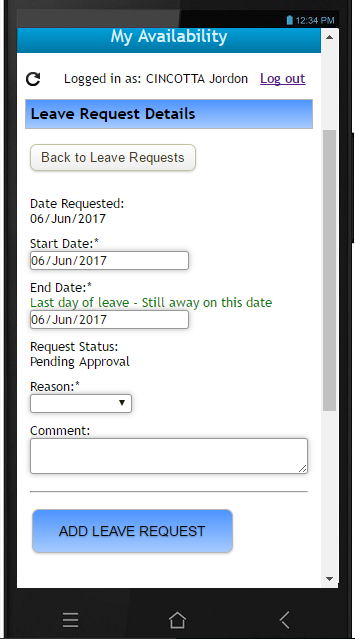
Select Add New Leave Request. Enter:
- The start date of leave being requested.
- The end date of leave being the last day of leave, ie. Not at work.
- Provide a reason/type of leave requested. Provided by default is Annual, Sick, Bereavement, Other types of leave.
- Any comments you want to communicate to the approver.
- Select the Add Leave Request button to submit a request. Once approved, arrangements can then be made to cover appointments occurring in the leave period.
For any further questions, do not hesitate to get in touch: https://www.turnpointcare.com.au/contact-us
Comments
0 comments
Please sign in to leave a comment.