
Managing your documents can be simplified by creating specific folders. This will allow you to easily find and access your existing documents.
Documents are kept within Folders. The folders can be configured. Select the Folder Admin button from the top of the screen.

A list of Folders, when they were last updated, Description and Access Level is displayed.
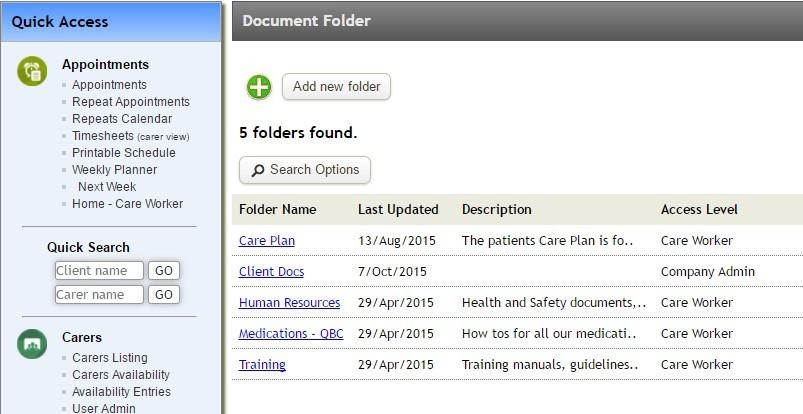
Select Add new folder to create a new folder.
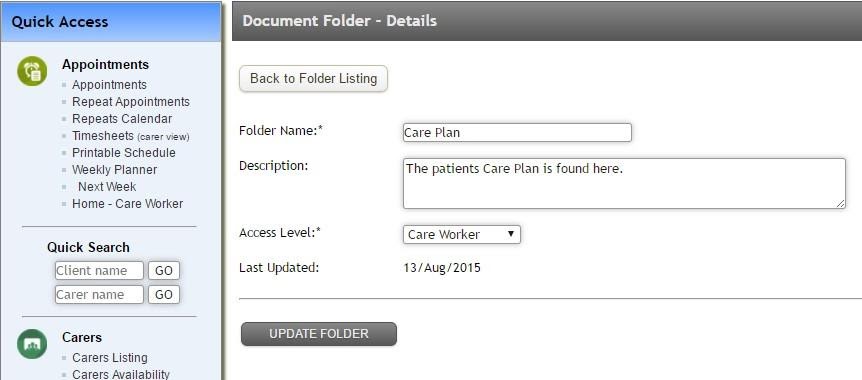
Select a Folder by it’s name to view or edit the folder.
For any further questions, do not hesitate to get in touch: https://www.turnpointcare.com.au/contact-us
Comments
0 comments
Please sign in to leave a comment.