
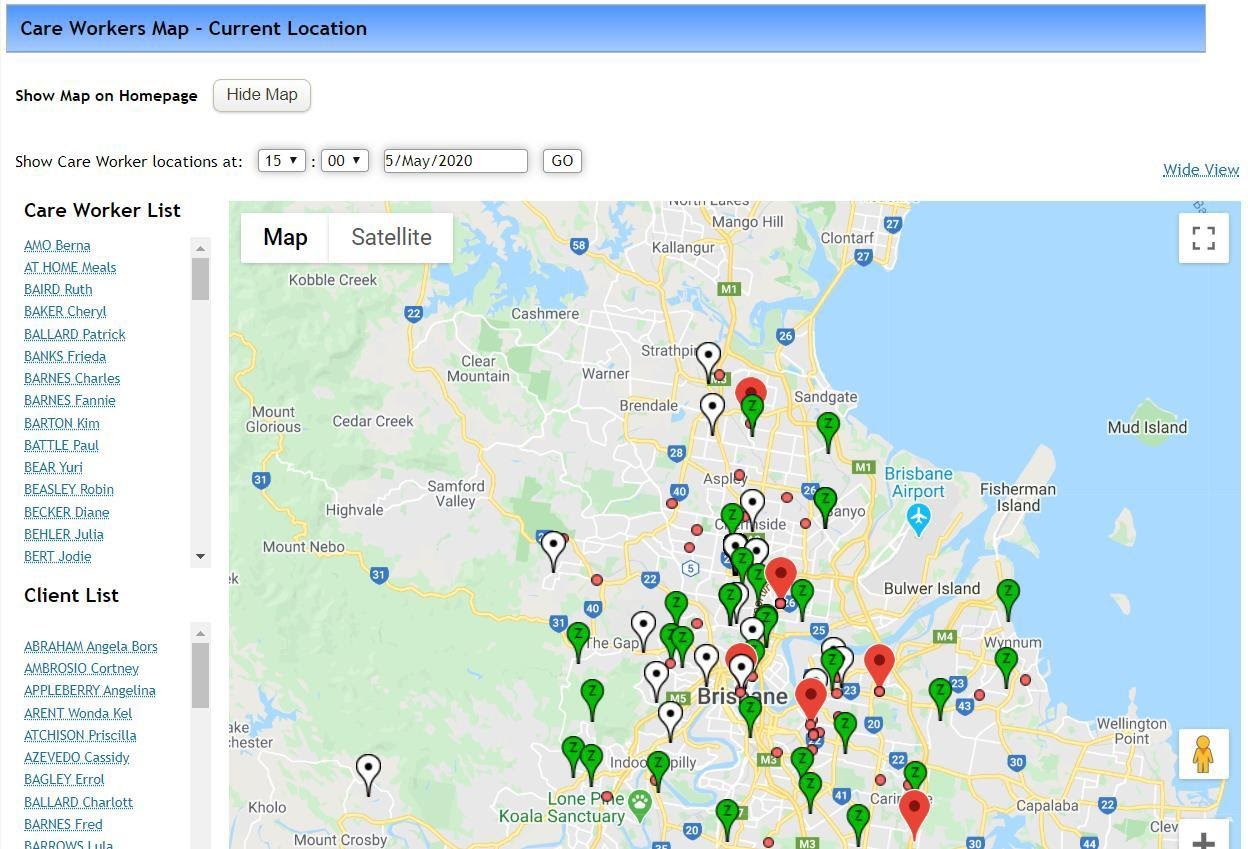
The location map can be used to get a quick snapshot of the location of the services that you have rostered for any given day.
Selecting a Care Worker’s name from the left causes the corresponding tag to jump on the map. Similarly, when selecting a client’s name from the client list.
Specifying a date and time then selecting GO will redisplay the map at the specified date and time allowing you to see where a care worker is scheduled to be or was scheduled. This view does not track physical movements of staff or clients, it is based on scheduled information only.
Select Wide View to see a larger version of the map by removing the left hand menu.
|
We have also added a key at the bottom of the map:
For any further questions, do not hesitate to get in touch: https://www.turnpointcare.com.au/contact-us
|
|

Comments
0 comments
Please sign in to leave a comment.